

How to Redeem Points
To view and spend your rewards points, follow the instructions below:
2. Once in your account, click the "Rewards" button in the lower left corner of your screen.

3. Under the "Points program", click "How to spend points".
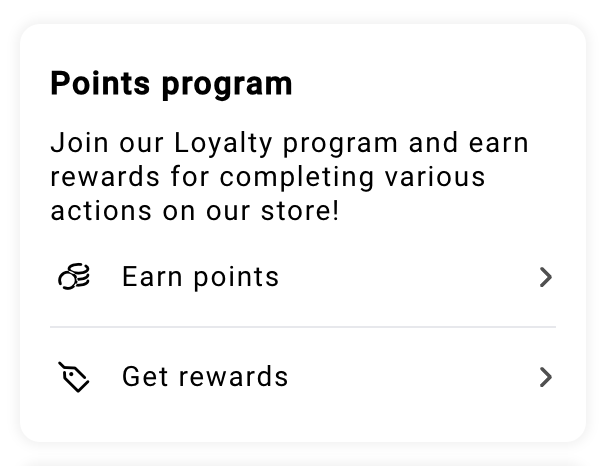
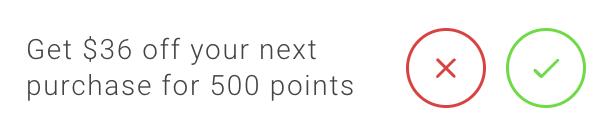
4. You'll see the reward options you can redeem based on the number of reward points available in your account. Click the reward you'd like to use.

5. If you have a sufficient points balance, click the "Redeem" button to confirm the reward you'd like to redeem.
6. Once processed, you'll see a grey "Applied" button, and your discount will automatically be applied at checkout. It will also supply you with your discount code should you need to use it at a later date. You can revisit your unused discounts at any time in the "View your rewards" section after you redeem. Redeemed rewards are valid for 90 days from date of redemption.
